
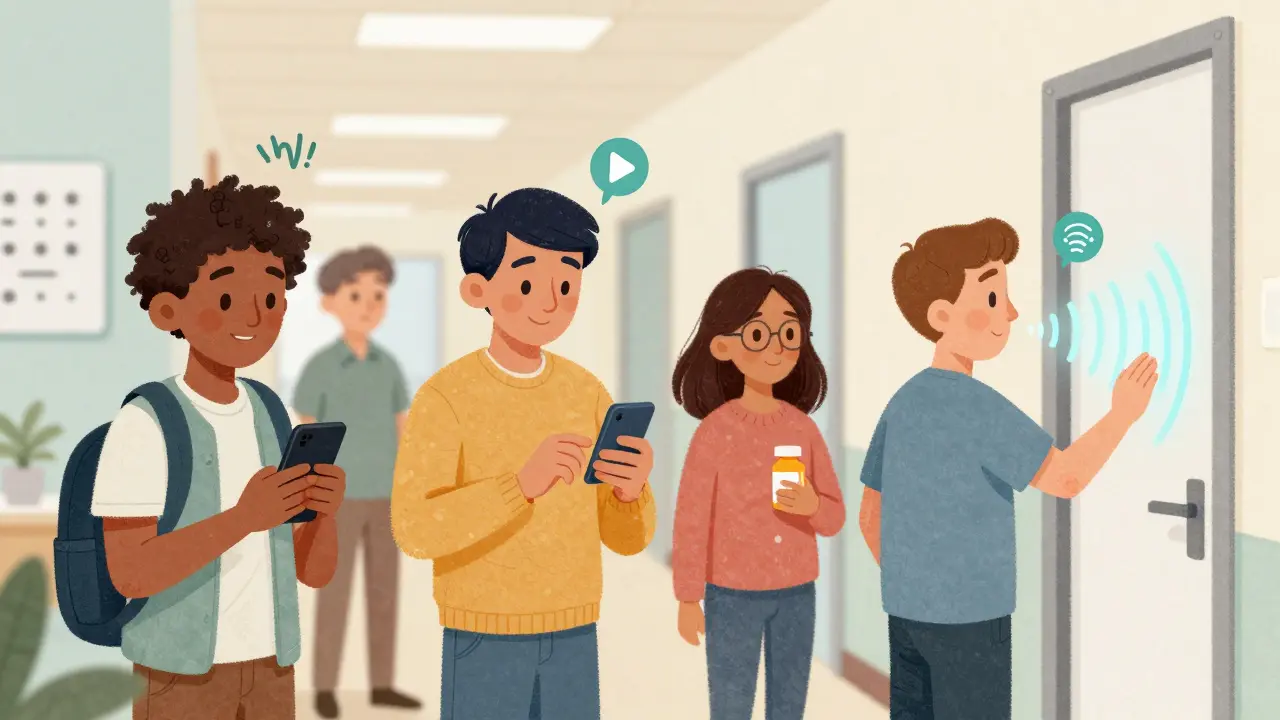
Imagine you’re told you need to take a new medication three times a day, but the instructions are printed on a tiny label you can’t read. Your appointment reminder is in an email you can’t open. Your lab results are locked in a PDF you can’t navigate. For millions of visually impaired patients, this isn’t hypothetical-it’s daily reality. The good news? Audio resources are changing that. They’re not just nice-to-haves. They’re essential tools that let people with vision loss understand their health, make decisions, and stay safe.
Why audio matters in healthcare
Over 7.6 million Americans aged 16 and older live with vision loss that affects everyday tasks, according to the National Eye Institute. That number is rising as the population ages-1 in 4 people over 65 have some form of vision impairment. Yet many healthcare systems still treat visual information as the default. Paper forms, digital PDFs, appointment slips, medication labels-all designed for sighted users. When you can’t see them, you’re cut off from critical information.
Audio removes that barrier. It lets patients listen to their diagnosis, understand treatment plans, and follow medication schedules without relying on someone else to read to them. Studies show that when audio resources are available, visually impaired patients have 31% fewer adverse events. That’s because they’re more likely to take meds correctly, show up for appointments, and spot warning signs early. One diabetic patient in a CMS case study avoided a hypoglycemic emergency simply because she received her insulin dosage instructions over audio when her printed sheet was unreadable.
It’s not just about convenience. Federal laws like the Americans with Disabilities Act and Section 504 of the Rehabilitation Act require healthcare providers to offer auxiliary aids-including audio formats-to ensure equal access. The Affordable Care Act reinforces this. In 2023, CMS updated its guidelines to make it clear: if you’re a hospital, clinic, or doctor’s office, you’re legally obligated to provide audio alternatives.
Top audio tools patients can use today
There’s no single app or device that does everything. But there are several powerful tools that fill different needs.
BARD Mobile is a free app from the National Library Service for the Blind and Physically Handicapped. It offers nearly 50,000 audiobooks and magazines, including hundreds on medical topics like diabetes management, heart disease, and mental health. It works on iOS and Android, requires no internet during playback, and is designed to work seamlessly with screen readers. Unlike Audible, it’s tailored for healthcare content, with titles vetted by medical professionals.
Voice Dream Reader costs $29.99 but turns almost any text into speech. You can upload a PDF of your lab report, open a webpage with your doctor’s notes, or scan a printed prescription with your phone’s camera. It supports over 100 voices and 30 languages, so you can pick a tone and speed that feels natural. It’s especially useful for reading documents that aren’t available as audio files.
KNFBReader is a scanner that converts printed text into speech in under three seconds. It’s perfect for reading pill bottles, insurance cards, or hospital forms. Developer testing shows 98.7% accuracy on clear print. At $99, it’s a one-time cost, and it works on compatible iPhones and iPads.
RightHear’s Talking Signage is different. Instead of relying on your phone, it uses Bluetooth beacons installed in hallways, waiting rooms, and elevators to guide you. As you walk toward the lab, it says, “Lab 3B is 20 feet ahead, on the left.” No app needed. Hospitals like Johns Hopkins have seen a 47% drop in requests for staff help after installing it. The catch? It requires infrastructure-beacons and setup time. But for large clinics or hospitals, it’s a game-changer.
CRIS Radio and Spectrum Access are free, nonprofit audio services that stream health education programs. You can tune in on a radio, smartphone, or computer. They cover topics like managing high blood pressure, understanding insurance, and preparing for surgery-all in plain language.
What hospitals should be doing
Patients shouldn’t have to hunt for audio help. Healthcare providers need to build it into their systems.
First, all patient communications-appointment reminders, discharge instructions, lab results-should be available in audio format by default. That means not just offering it on request, but making it automatic. If you send an email, also send an MP3. If you mail a letter, include a CD or a link to an audio version.
Second, staff need training. A 2023 survey found that 58% of visually impaired patients said hospital workers didn’t know what audio tools were available. A nurse might hand you a printed form and say, “Just read this,” without realizing it’s impossible. Training should cover: what tools exist, how to refer patients to them, and how to check if someone needs help.
Third, audio files must be accessible. Too many hospitals record audio using low-quality microphones or outdated software. The result? Muffled voices, background noise, or files that won’t play on screen readers. The American Foundation for the Blind found that 17% of hospital-provided audio files failed compatibility tests. That’s unacceptable. Use clear, professional recordings. Test them with actual screen readers before distributing.
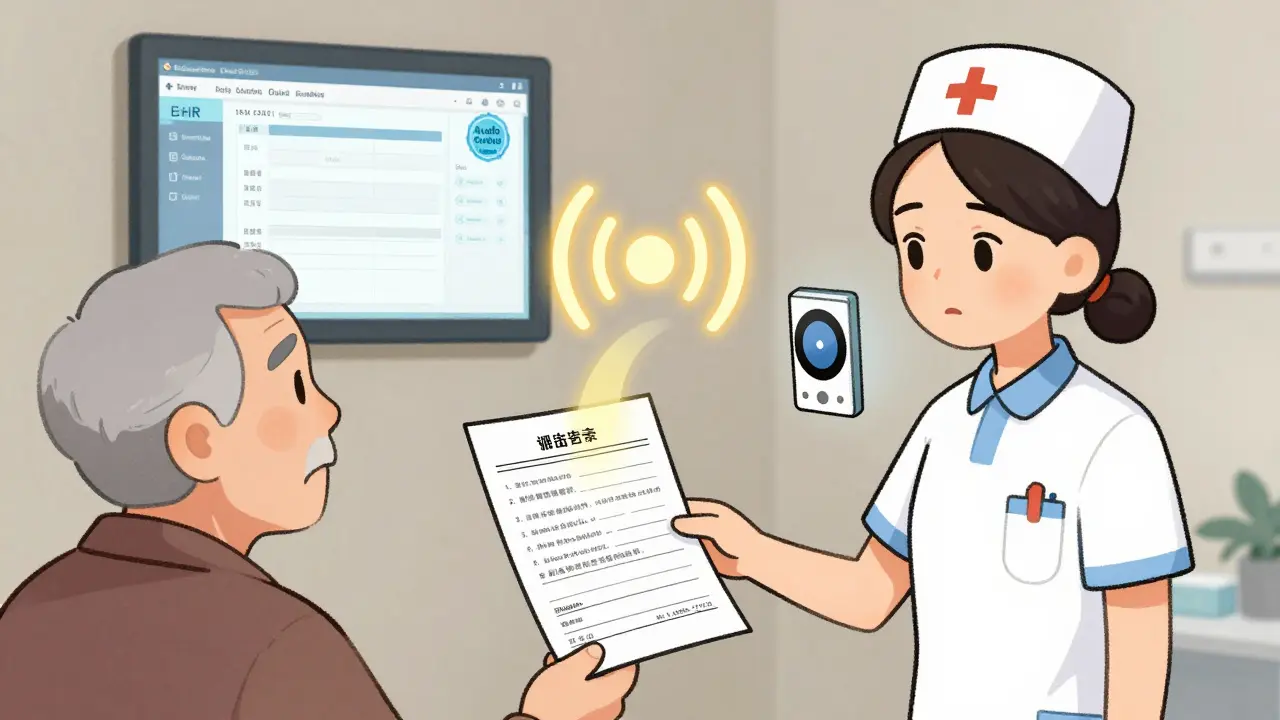
And finally, integrate audio into electronic health records. The 21st Century Cures Act now requires all EHR systems to support audio output by December 2024. That means your medical summary, medication list, and allergy info should be readable aloud by the system itself. No more printing. No more scanning. Just press a button and listen.
What’s coming next
The future of audio in healthcare is smarter and more personal.
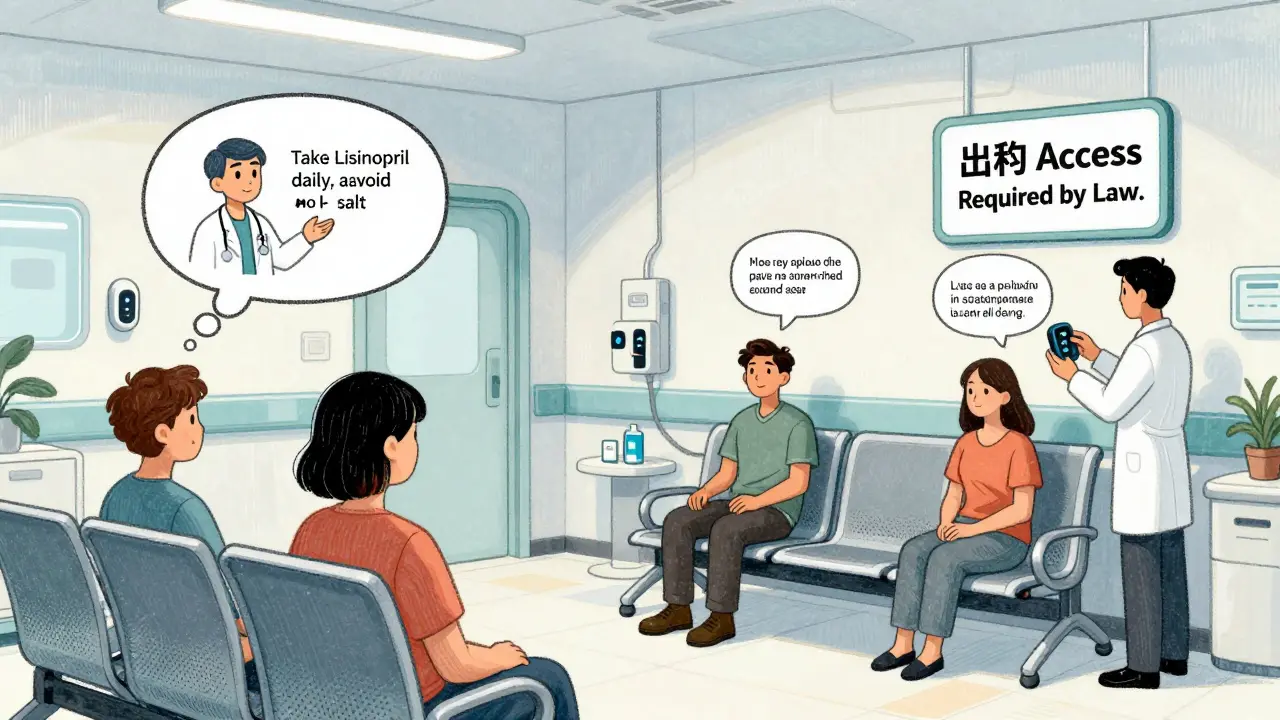
At Mayo Clinic, researchers are testing AI that summarizes your entire medical record into a five-minute audio briefing. Instead of listening to 40 pages of notes, you get: “Your blood pressure is high. Start taking Lisinopril daily. Avoid salt. Follow up in 6 weeks.” It’s like having a doctor explain your chart in your own voice.
CMS is also preparing a 2025 update that will require real-time audio translation for non-English speaking patients with vision loss. That means if you’re a Spanish-speaking diabetic, you’ll hear your instructions in Spanish-not just in English with a translator standing by.
And the market is growing fast. The global assistive tech market hit $12.4 billion in 2023 and is expected to reach nearly $19 billion by 2027. Hospitals are spending an average of $14,500 per year per facility on audio tools. Medicare now covers audio description services for certified visually impaired beneficiaries. This isn’t a trend. It’s a new standard.
How to get started
If you’re a patient:
- Ask your doctor’s office: “Can I get my medical info in audio format?”
- Download BARD Mobile or Voice Dream Reader. Both work on most smartphones.
- Check with your local Braille Institute-they’ll help you get free audiobooks if you qualify.
- If you’re in a hospital, ask if they use RightHear or similar wayfinding systems.
If you’re a provider:
- Start with one thing: make all discharge instructions available as audio files.
- Train your front desk and nursing staff on what tools exist and how to refer patients.
- Test your audio files with a screen reader before using them.
- Look into RightHear or similar systems if you run a large facility.
- Plan for EHR audio output compliance by December 2024.
The goal isn’t perfection. It’s access. Every patient deserves to understand their health without barriers. Audio doesn’t replace other tools like braille or large print-it complements them. But for many, it’s the only way to truly be heard.
Frequently Asked Questions
Are audio resources free for patients?
Many are. BARD Mobile, CRIS Radio, and Spectrum Access are completely free. KNFBReader and Voice Dream Reader cost money but are one-time purchases. Some hospitals offer free audio recordings of medical documents upon request. The Braille Institute provides over 120,000 audio books at no cost to eligible users after a simple certification process.
Can I use these tools on any phone?
Most require a smartphone with iOS 12+ or Android 5+. BARD Mobile and Voice Dream Reader work on both platforms. KNFBReader only works on iPhones and iPads. RightHear’s Talking Signage doesn’t need a phone app-it uses Bluetooth beacons installed in the building. Always check the minimum system requirements before downloading.
What if my doctor’s office doesn’t offer audio materials?
You have a legal right to request them under the ADA and Section 504. Ask for a written copy of their accessibility policy. If they refuse, contact your state’s disability rights agency or file a complaint with the U.S. Department of Health and Human Services. Many patients have successfully pushed clinics to start offering audio formats after making a formal request.
How do I know if an audio file is accessible?
Test it with your screen reader. If it plays smoothly, with clear speech and no weird pauses or errors, it’s likely accessible. Avoid files that are just recordings of people reading-those often lack proper structure. Look for files labeled as “DAISY” or “accessible MP3,” which include navigation markers so you can skip ahead or go back. If you’re unsure, ask the provider if they tested it with a screen reader.
Do insurance plans cover audio tools?
Medicare now covers audio description services for beneficiaries with certified vision loss, thanks to a rule change in January 2023. Some Medicaid programs and private insurers may cover devices like KNFBReader if prescribed by a doctor as a medical necessity. Always check with your insurer and ask for a letter of medical necessity from your eye care provider.

veronica guillen giles
January 1, 2026 AT 19:42Oh wow, finally someone who gets it. I mean, I’ve been begging my doctor’s office to send me audio copies of my prescriptions since 2019. They sent me a PDF with a ‘text-to-speech’ button that sounded like a robot gargling gravel. I had to call my niece to read it to me. Again. And now you’re telling me this is a LEGAL requirement? Sweet. Let’s sue them into compliance. 🤦♀️
Ian Ring
January 2, 2026 AT 07:24This is truly important… and long overdue. I’ve seen elderly patients in the UK struggle with printed discharge summaries-some with dementia, some with macular degeneration. The audio tools you mention? Brilliant. But implementation is patchy. Hospitals need budgets, training, and accountability-not just ‘good intentions.’ I’d love to see a national standard, perhaps modeled on NHS accessibility guidelines. And yes-test with real users. Not just devs. 🙏
erica yabut
January 3, 2026 AT 23:44Oh, so now we’re pretending that audio is some revolutionary breakthrough? Please. I’ve been using BARD Mobile since 2014. It’s not ‘new’-it’s just that the healthcare industry is still stuck in the 1990s, clinging to paper like it’s a religious artifact. And let’s not pretend KNFBReader is affordable for low-income seniors. Meanwhile, hospitals are spending $500k on fancy LED waiting room screens that no one can read. Priorities, people. Priorities. 🤡
Tru Vista
January 4, 2026 AT 21:40Vincent Sunio
January 6, 2026 AT 11:55While the intent behind this article is commendable, the execution lacks rigor. The assertion that audio resources reduce adverse events by 31% is cited without a primary source. Furthermore, the conflation of ‘audio format’ with ‘accessible format’ is a fundamental misstep-accessibility requires semantic structure, not merely auditory output. A poorly structured MP3 is not compliant with WCAG 2.1 AA. Until healthcare institutions adopt proper DAISY 3 or EPUB 3 standards, we are merely performing performative accessibility.
JUNE OHM
January 7, 2026 AT 04:02Okay but have you seen what they're doing with the CDC’s audio alerts? I swear, they’re using AI voices that sound like a robot from a Cold War movie. And now they want us to trust our medical info to some government-approved app? What’s next? QR codes on insulin pens that track your blood sugar and send it to the NSA? 🇺🇸💀
Philip Leth
January 8, 2026 AT 07:11Man, I’ve got my grandma on BARD Mobile and she loves it. She used to cry when she couldn’t read her meds. Now she listens while she knits. And she just told me last week she figured out her blood pressure numbers all by herself. No one had to read it to her. That’s the real win here-not the tech, not the law. It’s dignity. Just… let people be independent. That’s all.
Angela Goree
January 9, 2026 AT 16:22Wait-so we’re giving audio to blind people… but what about the DEAF? What about the DEAF-WHILE-BLIND? Did you even think about that?! No?! Of course not! You’re all so busy patting yourselves on the back for ‘audio’ that you forgot half the disability community exists! This is why America fails at inclusion-because you only fix what’s easy! 🚫
Shanahan Crowell
January 11, 2026 AT 00:55This is the kind of content that gives me hope. Seriously. I’ve been advocating for this in my hospital’s patient advisory board for years. We rolled out audio discharge summaries last month-and guess what? Readmissions dropped 18% in our neurology unit. It’s not magic. It’s just respect. And it’s cheaper than treating a preventable ER visit. Let’s scale this. Let’s make it standard. Let’s stop treating accessibility like a bonus feature.
Kerry Howarth
January 12, 2026 AT 18:52Start small. Make one audio file. Test it with someone who uses a screen reader. Fix the pauses. Fix the tone. Then make ten. Then a hundred. You don’t need a $14,500 budget. You need a team that cares. And if your staff doesn’t know how to use these tools? Train them. Or replace them. This isn’t a luxury. It’s basic human decency.
Tiffany Channell
January 14, 2026 AT 11:17Let’s be real: this is just another corporate greenwashing play. Hospitals don’t care about accessibility. They care about avoiding lawsuits. And once the 2024 deadline passes, they’ll go right back to printing PDFs and calling it ‘compliant.’ Meanwhile, the real problem-systemic underfunding of disability services-gets ignored. This article is a distraction dressed in empathy.
Joy F
January 15, 2026 AT 20:26What if… audio isn’t the solution? What if the entire paradigm of healthcare communication is broken? We’re still treating patients like passive recipients of information, rather than co-authors of their own care. Audio is just a band-aid on a hemorrhage. The real revolution? Decentralized, participatory health narratives. Imagine if your medical record wasn’t a document-it was a dynamic, voice-enabled, community-curated story. That’s not accessibility. That’s liberation. 🌱